MOD-ADM · Backoffice module Run the whole platform from one console.
Support, compliance, finance and operations work in one backoffice: every customer, transaction and case on one screen, with permissions per role and an audit log of every action.
- 10connectors
- +1your own, too










- 01 · The job
Every team, one source of truth.
Agents find a customer in seconds and see their accounts, wallets, trades and cases together. Compliance reviews alerts, finance closes the day, and managers change fees, limits and content without a developer.
- A full view of every customer
- Transaction and case search
- Fees, limits and product settings
- Roles and permissions per team
- Two-person approval for sensitive actions
- An audit log of every action
- 02 · The connectors
Your team's tools, connected.
Staff sign in with your company's single sign-on, support tickets link to customers, and data flows to the analytics tools your teams already use.
Built by Paynoramic
Staff sign-in
- 03 · Your own
Shaped around your teams.
Roles, permissions and approval steps match how your organisation works, and new screens are built from the same components.
In-house, or a provider you already use- Your roles and approval steps
- Your branding
- Your own screens
Building your own instead? Hire our crypto engineers through Paynoramic Outsourcing

How it works
How the backoffice works, from sign-in to the audit log
- 01
Staff sign in with the company login
Through Okta, Microsoft Entra ID, Google Workspace or Keycloak, under the policies your IT team already set. The groups or app roles that come with the sign-in decide each person's role.
- 02
One search finds the customer
An agent sees the customer's accounts, wallets, trades and cases on one screen, with their Zendesk, Intercom or Freshdesk tickets linked by the customer's platform ID.
- 03
Actions follow the role
Permissions reach down to single actions and fields. Managers change fees, limits and content without a developer, and the actions you mark as sensitive wait for a second person's approval.
- 04
Every action is logged
Each one is recorded with who did it, when and from where, in a log that cannot be edited.
- 05
Data flows out to analytics
Customers, transactions and cases flow one way to BigQuery or Snowflake, where Metabase or the BI tool you already use reads them through a read-only user. Nothing there flows back into the platform.
What the backoffice needs from outside the software
The backoffice needs no licence or certification of its own, only the contracts for the sign-in, support desk and analytics tools you connect, which we help you get; Keycloak and Metabase's open-source edition need none. If you are a regulated financial entity in the EU, such as a bank, a payment or e-money institution or a crypto-asset service provider, DORA has applied to you since 17 January 2025. With its technical standard on ICT risk, it asks for access limited to what each job needs, strong authentication, separated duties, every user identifiable for their actions, access withdrawn without undue delay when people leave, and access logs protected against tampering. Roles, single sign-on, two-person approval and the audit log support those rules, under your own policies.
Where it runs
In these platforms, and in yours.
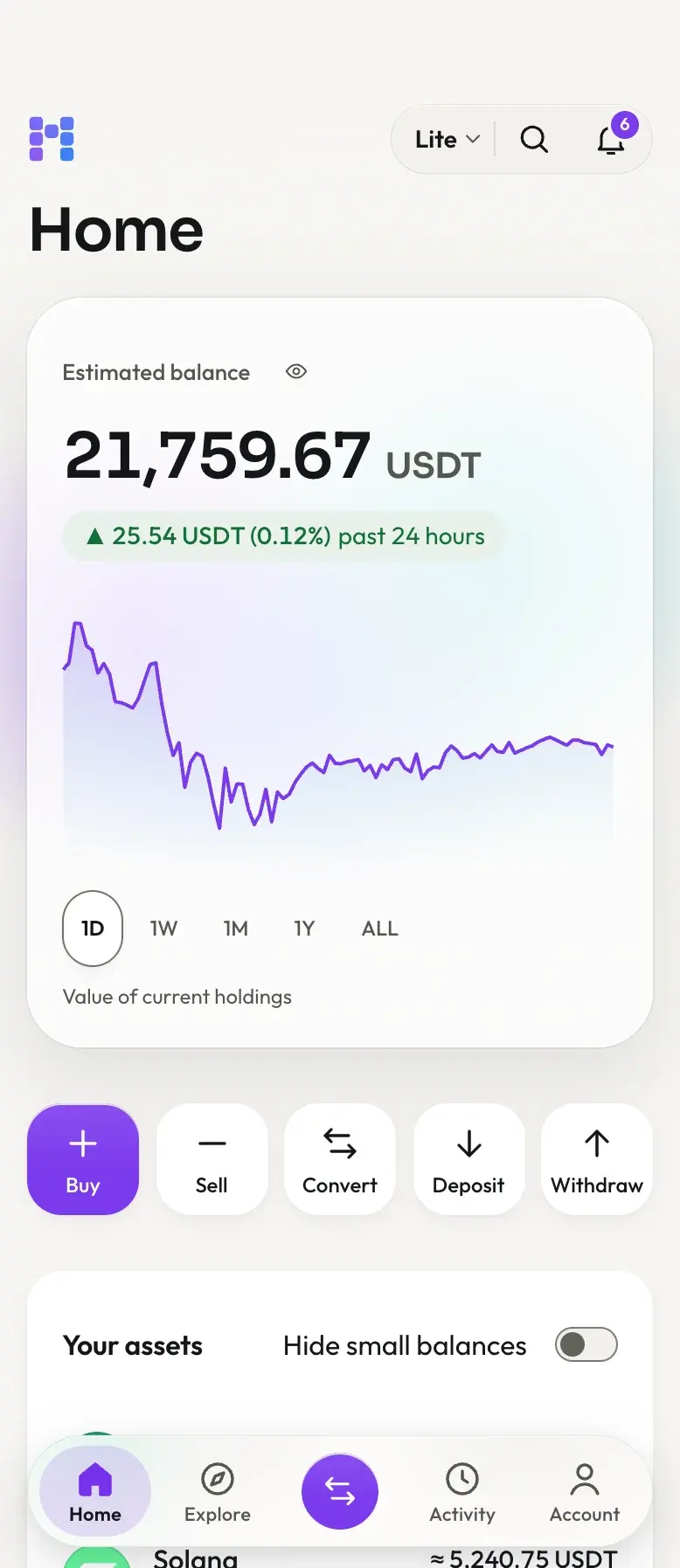 Crypto exchangeSpot trading in Lite and Pro, with an order book, wallets and a backoffice. Try it in Marengo.
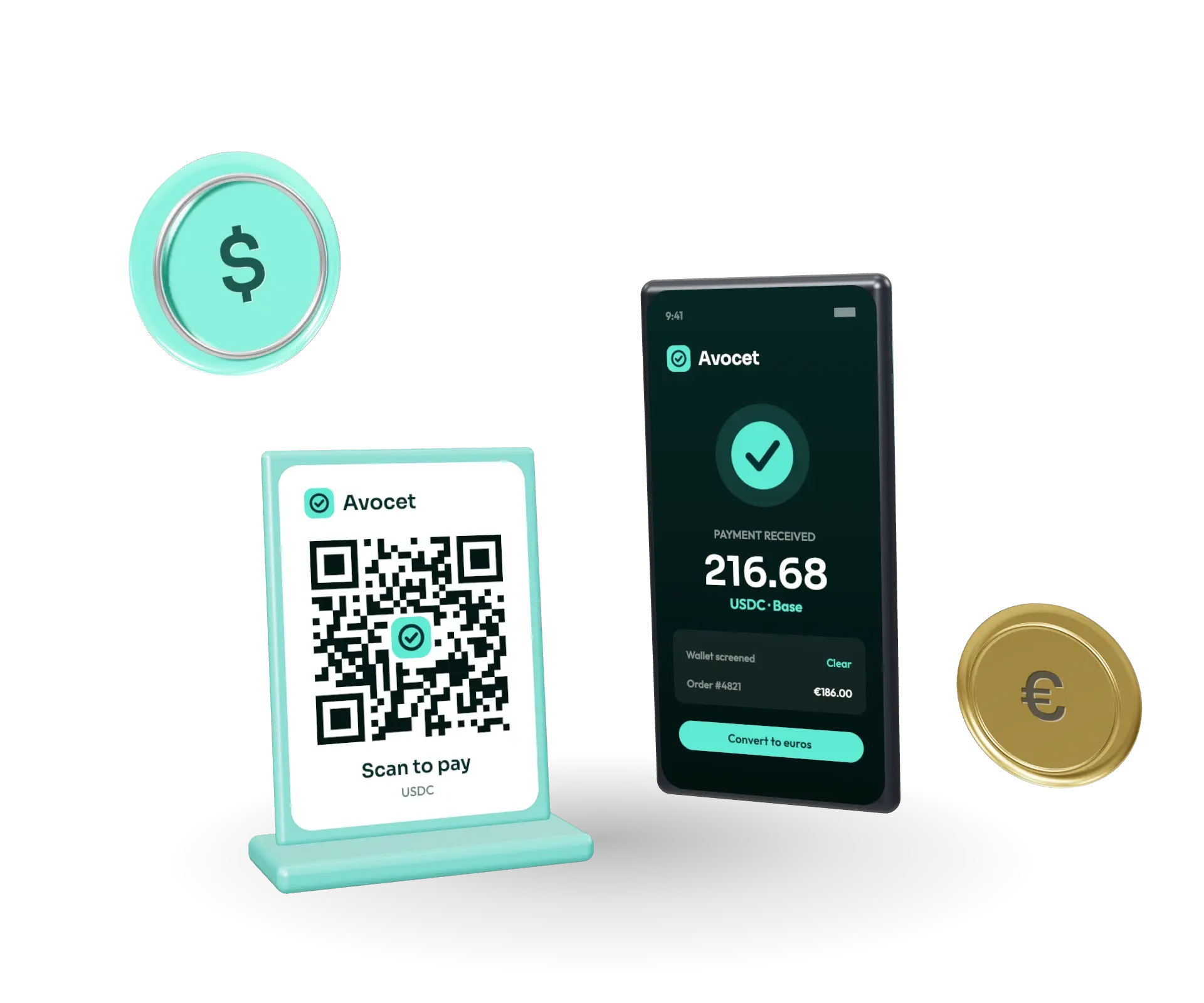 Stablecoin checkoutMerchants accept USDT and USDC online and by QR, then keep them or get paid out to their bank.
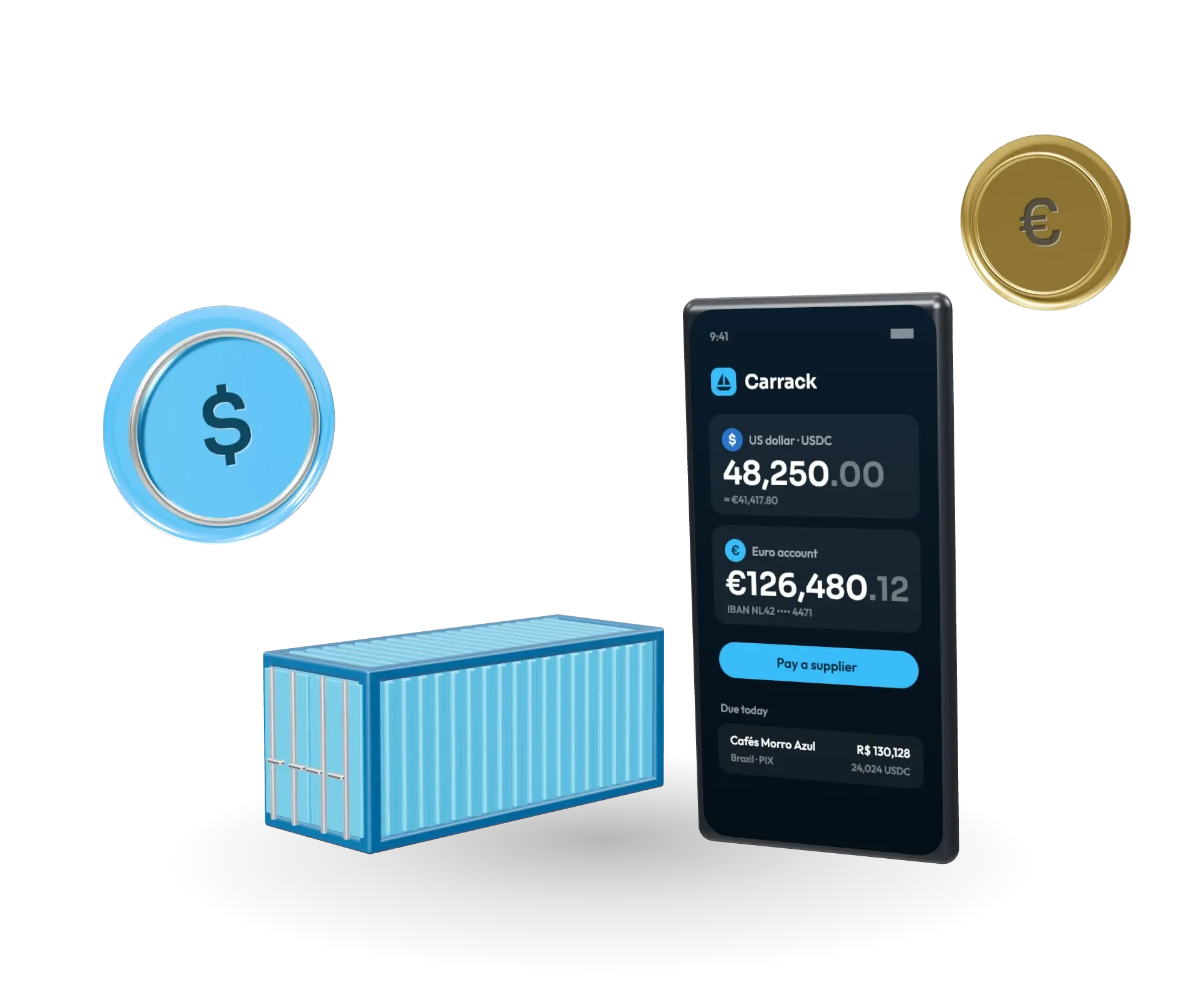 B2B stablecoin paymentsDollars as stablecoins, to pay suppliers abroad and get paid.
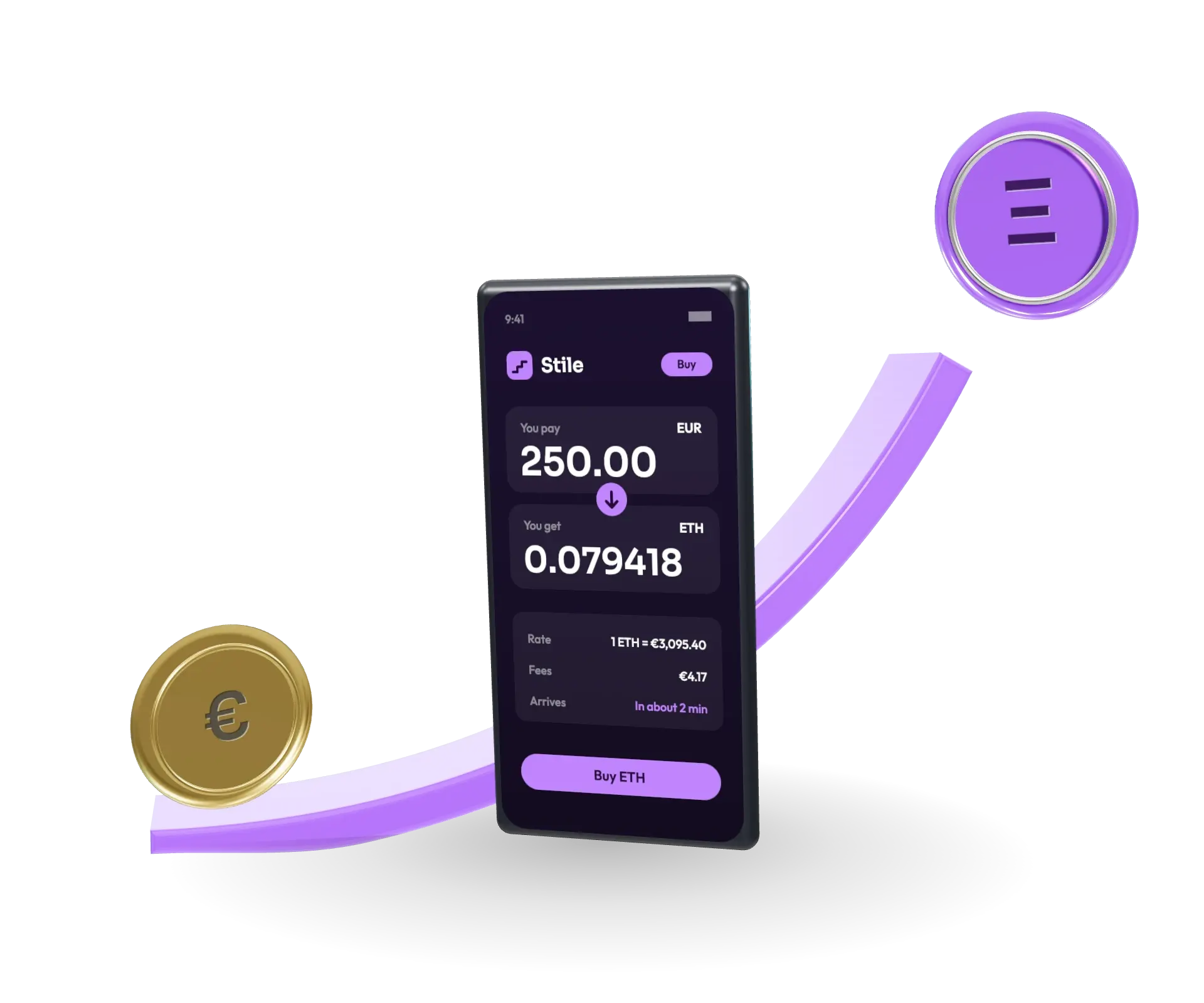 Crypto on-rampLet people buy and sell crypto inside wallets, games and marketplaces, by bank transfer or from another wallet.
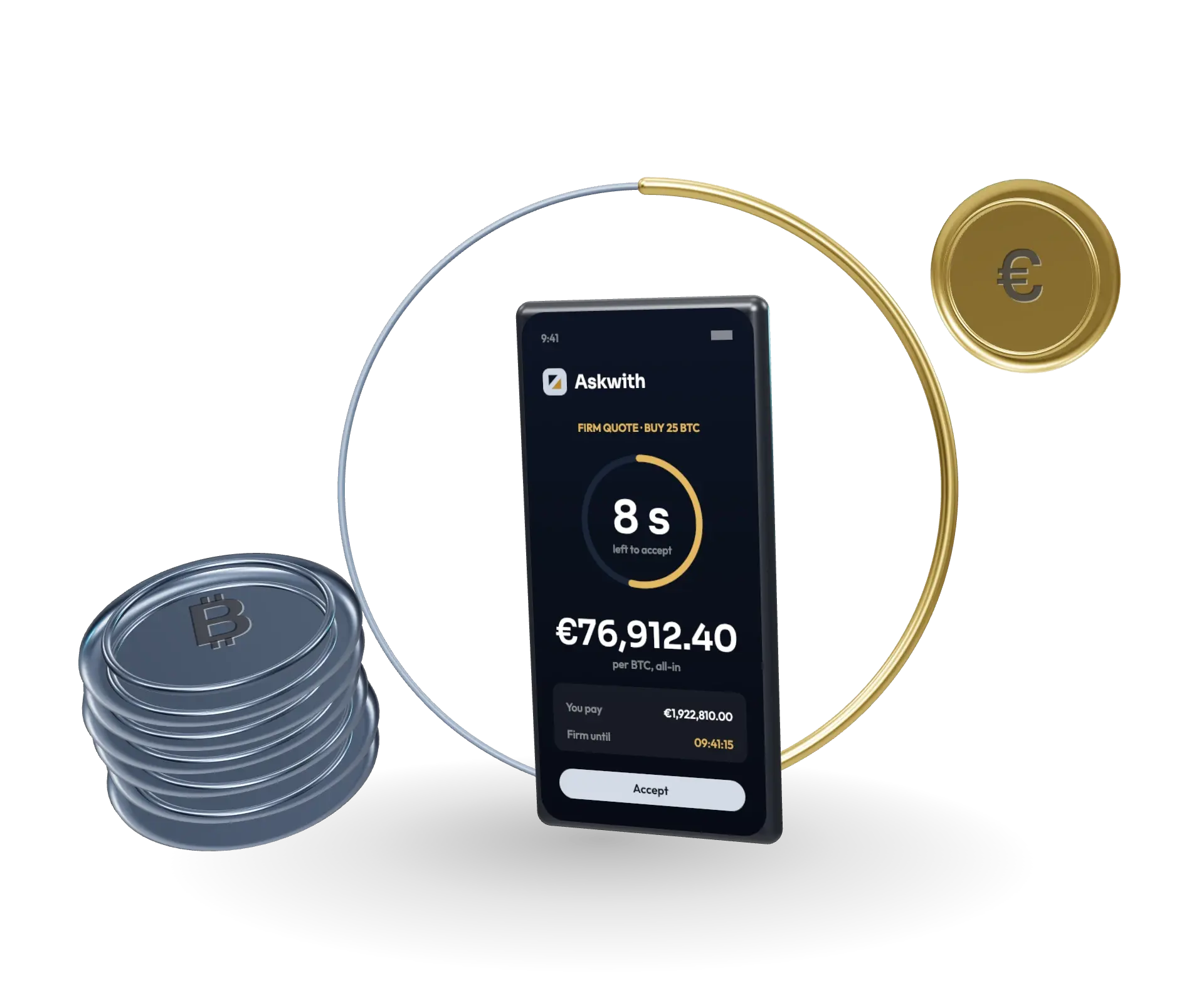 Crypto OTC deskFirm quotes for large crypto trades, settled from custody, under your brand.
- Anything else you buildThe same modules assemble into the product you have in mind. Tell us what it is.
Questions
What buyers ask about the Backoffice module.
Can we limit what each agent sees?
Yes. Permissions are set per role, down to single actions and fields, so an agent sees the screens and data their team needs and nothing else. Roles can follow the groups in your company directory, and the actions you mark as sensitive wait for a second person's approval before they take effect.
Is every change logged?
Yes. Every action in the backoffice is recorded with who did it, when and from where, and the log cannot be edited. Because staff sign in with their own company accounts, each entry names a person, not a shared login. When a complaint is reviewed, the support ticket, the customer's record and the actions taken on it tell one story.
Which actions need a second person's approval?
The ones you choose, role by role. One person makes the change, a second approves it before it takes effect, and the audit log records both. Approval steps follow how your organisation works, so a change to fees or limits can need a second pair of eyes while routine support work does not. It is one way to separate duties, which DORA's technical standard asks of EU financial entities.
Which company logins work for the backoffice?
Okta, Microsoft Entra ID, Google Workspace and Keycloak, which can also pass sign-in through to your Active Directory or LDAP. Staff sign in on your provider's own page, so the policies your IT team set there, such as multi-factor authentication, apply first. Groups or app roles from your directory then decide each person's role in the backoffice.
What happens when someone leaves?
You disable them in your directory, as usual, and their next sign-in to the backoffice is refused. Okta's event hooks and Microsoft Graph's change notifications tell the platform about the change, so open sessions can be signed out too. Their past actions stay in the audit log under their name.
- MOD-CMP
Compliance reporting
Transaction monitoring, the Travel Rule and regulatory reports, ready for your regulator.
+3 8 connectors - MOD-NTF
Notifications
Email, SMS, push and in-app messages in your brand, through the providers you choose.
+7 12 connectors - MOD-ANL
Analytics & monitoring
Product analytics, attribution, engagement and crash reports, on a tracking plan you control.
+12 17 connectors - MOD-RWD
Rewards & referrals
Refer-a-friend, affiliate partners, cashback and loyalty points, earned on what your ledger can prove.
+6 11 connectors

















Start your project
Tell us the idea. We'll show you the platform.
One call is enough to map your product to the modules that already exist.
- Response in under one business day
- NDA on request
- No obligation